Table of Contents
Microsoft has added several AI experiences across Power BI, and the names can get confusing fast. Power BI agents and Copilot sound like separate products, but they’re more closely related than that. The main difference comes from where each experience works and what information it can access.
The standalone agent focuses heavily on finding and questioning Power BI content across different items. Copilot also appears inside reports and other authoring experiences. Knowing that distinction makes it easier to choose the right experience for each reporting task.
What Is a Power BI agent?
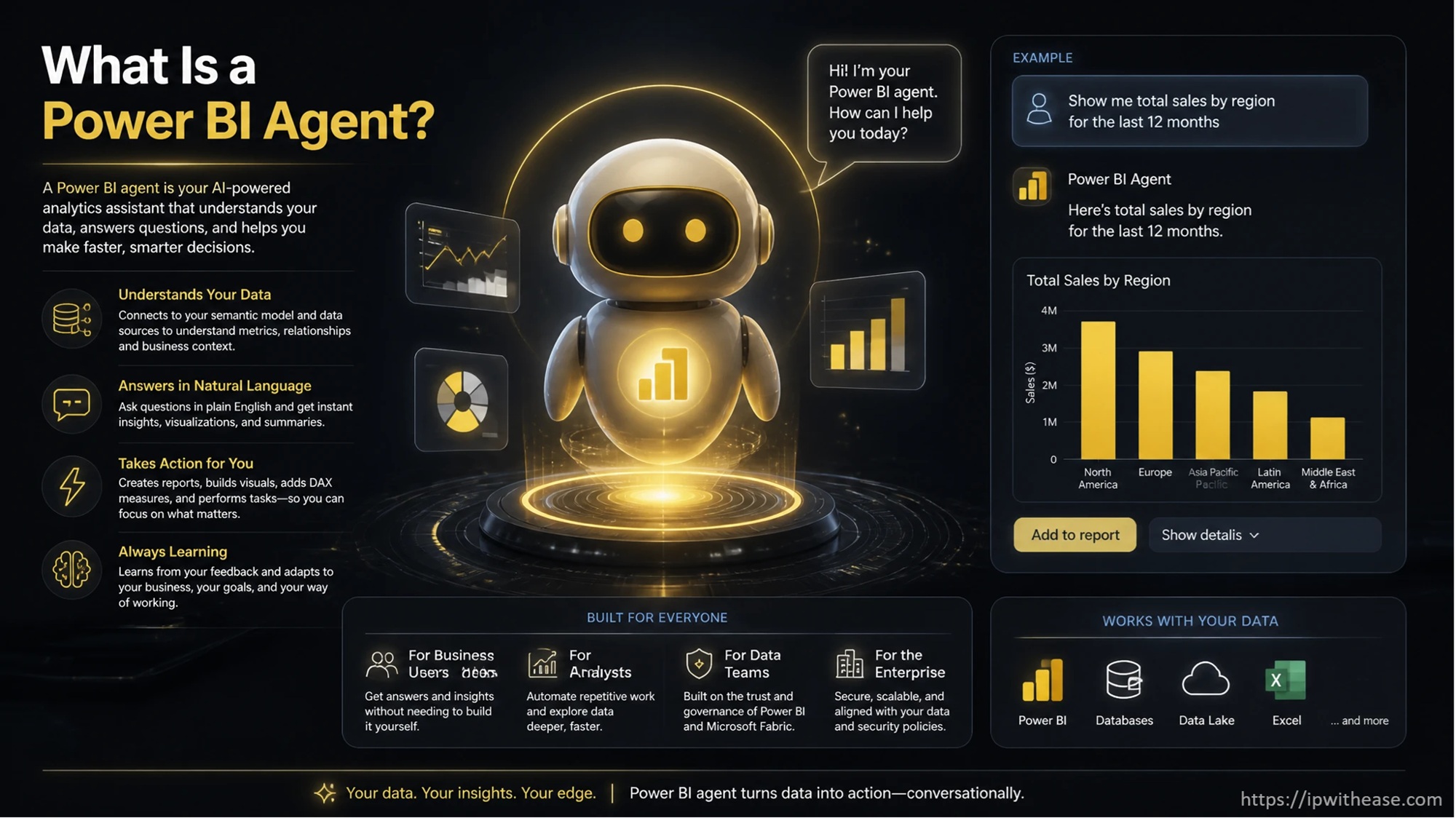
A Power BI agent is an AI experience inside Power BI, that can find relevant reports or semantic models when users ask business questions.
It Can Find Data Across Power BI Content
Users do not always know which report contains the answer they need. The agent can search supported Power BI content available to that user. It can then select a suitable report or semantic model for the question.
It Works Through a Full-Screen Conversation
The standalone experience opens from Power BI instead of sitting beside one report. Users can ask questions in natural language and continue the conversation. The experience can return written answers and Power BI visuals based on the selected data.
It Stays Bound to Accessible Business Data
The agent does not receive unrestricted access to every item inside the company. Existing Power BI permissions still affect the content a person can reach. This keeps the conversation tied to information already available to that user.
What Is Copilot in Power BI?
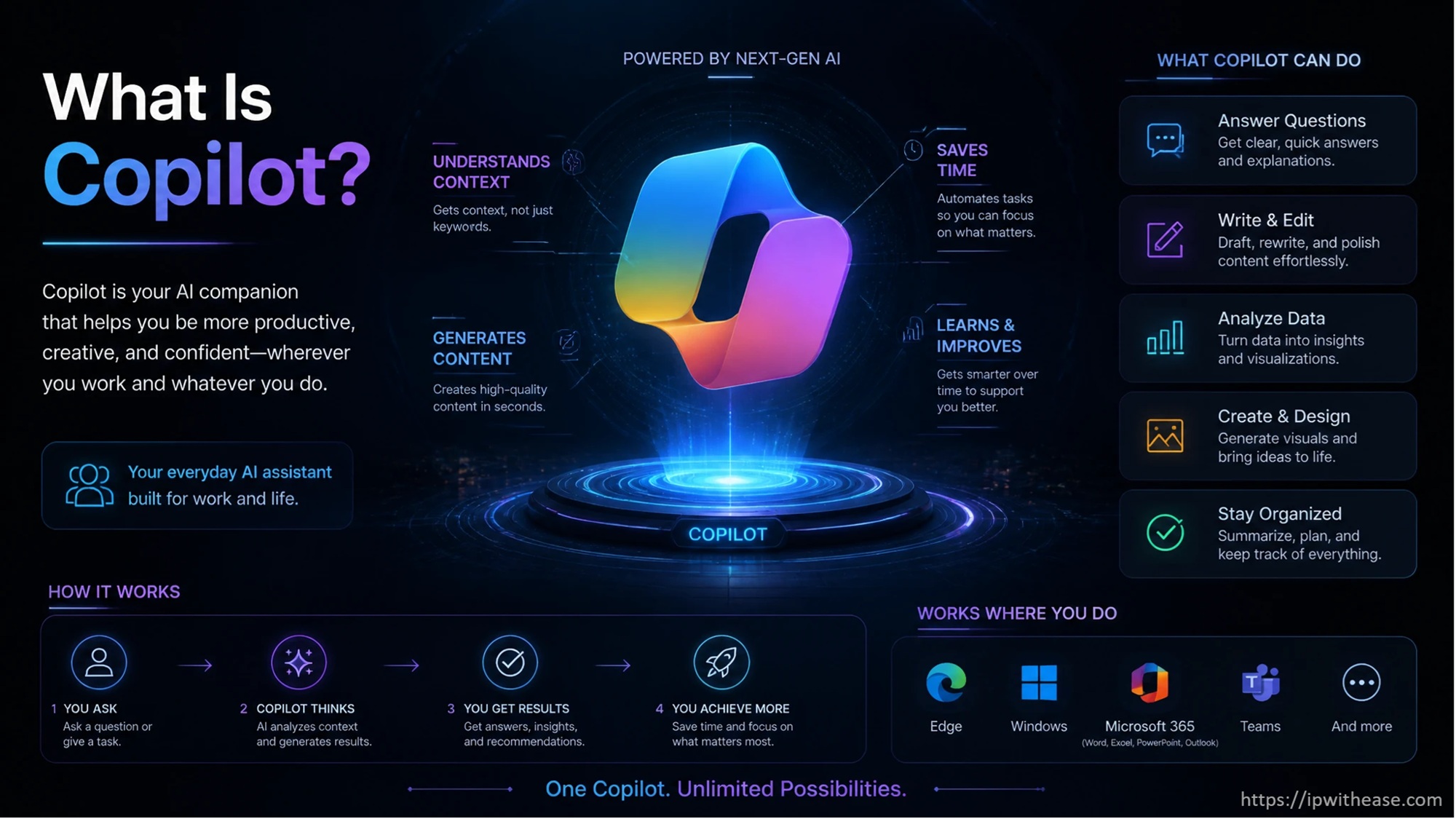
Copilot is the broader name for Microsoft’s generative AI features across Power BI. Different Copilot experiences support report users, developers, and analysts. Their capabilities change depending on where the person opens Copilot.
Inside an open report, Copilot can answer questions about that report and provide summaries. Report authors can also use AI during parts of report and semantic model development. Microsoft includes features for DAX queries, report creation, and measure descriptions.
This makes Copilot wider than the standalone Power BI agent. The agent itself sits within Microsoft’s larger Power BI Copilot experience. The difference is mainly about scope, entry point, and the work being done.
Power BI Agents vs Copilot: Main Differences
The comparison is not really one Microsoft product against another. The standalone agent is one Power BI Copilot experience with a broader content search scope. Other Copilot features work within reports, models, or authoring tasks.
| Area | Standalone Power BI Agent | Broader Copilot Experiences |
|---|---|---|
| Main purpose | Find and question Power BI content | Support data questions, reporting, and authoring |
| Starting point | Full-screen experience from Power BI navigation | Appears across reports and other Power BI experiences |
| Data scope | Can find relevant accessible reports or semantic models | Scope depends on the Copilot experience being used |
| Report questions | Can answer without opening a report first | Report Copilot focuses on the report currently open |
| Content search | Can search across supported Power BI items | Not every Copilot experience searches across items |
| Report creation | Mainly focused on finding and questioning data | Some Copilot features can help create report pages |
| DAX support | May create calculations while answering some questions | Copilot can also support DAX work during development |
| Current status | Preview | Some experiences are available, while others remain in preview |
Microsoft says standalone Copilot can choose a suitable report or semantic model from accessible content. The report Copilot pane stays tied to the report already open. That scope difference sits at the center of the comparison.
The experiences can still overlap during data exploration. Both allow people to ask questions using ordinary language. The location of the conversation often decides how broad the answer can become.
How Their Data Scope Changes the Experience
The difference becomes clearer when a company has many reports and semantic models. Some users know exactly where their data sits, while others only know the question. Those two situations suit different Power BI AI experiences.
The Standalone Agent Can Start With the Question
A user might ask about quarterly sales without opening the sales report first. The agent can look for relevant accessible content based on that request. This works well when people have access to many Power BI items.
Report Copilot Starts With an Open Report
Report Copilot already has a clear working area when the user opens it. Questions stay connected to the current report and its underlying model. That narrower scope can suit people already working inside the right report.
App Copilot Works Within an App
Power BI apps can also contain their own Copilot experience. The conversation stays connected to supported content inside that app. This gives app users a middle ground between one report and wider Power BI content.
How Power BI Agents and Copilot Work With Semantic Models
AI answers depend heavily on the semantic model behind the report. Clear names and accurate measures give the AI better business context. Poor model structure can create answers that need more manual checking.
Measures Give Business Questions Meaning
Business users often ask questions using terms like margin or monthly revenue. Those terms need to match calculations inside the semantic model. Clear measure names give AI features a stronger connection to business language.
Metadata Helps Describe the Data
Tables and columns also need names that make sense outside the development team. Technical naming can make natural-language questions harder to match with the correct data. Descriptions can add more context when similar fields exist.
Permissions Still Control Access
AI does not replace the Power BI security already attached to business data. Users can only work with content their account can access. Report and model permissions remain part of the experience.
When a Power BI Agent Makes More Sense
The standalone agent suits situations where the question comes before the report. It can reduce the need to search through many items manually. This becomes more useful as the amount of published reporting grows.
- A business user knows the question but does not know which report contains the answer.
- Teams have many reports covering related areas of the business.
- Users regularly search for reports before starting their analysis.
- A manager wants quick answers without opening several reports separately.
- Staff need one conversational starting point for accessible Power BI content.
- Users want links back to the reports behind an AI response.
- Teams already prepare semantic models for natural-language data questions.
- Business users spend more time consuming reports than creating them.
When Copilot in Power BI Fits Better
Copilot in Power BI covers more than cross-item questions about business data. Some experiences work directly with report creation and model development. That makes Copilot useful during both report production and report consumption.
- Report users can ask questions while they already have the correct report open.
- Users can request summaries based on report pages and visuals.
- Report authors can get help creating new report pages from existing data.
- Developers can work with AI while writing or understanding DAX queries.
- Model authors can create descriptions for measures inside semantic models.
- Teams can keep questions tied to one report when wider search is unnecessary.
- Power BI app users can work with AI inside selected app content.
- Different Copilot experiences can support different roles across the reporting process.
Frequently Asked Questions
Q.1 Is a Power BI agent the Same as Copilot?
The Power BI agent belongs to the wider Copilot experience in Power BI. Its main difference comes from its standalone interface and cross-item scope. Other Copilot features work inside reports or development areas.
Q.2 Does a Power BI Agent Replace Power BI Reports?
Reports still give users a structured view of business data. The agent gives people another way to find information and ask questions. Many users will move between conversational answers and normal report pages.
Q.3 Can Power BI Agents Access Every Company Report?
Power BI access rules still matter when the agent searches for information. Users cannot automatically reach reports they do not have permission to view. This keeps existing access rules part of the AI experience.
Conclusion
Power BI agents and Copilot are closely related, but they solve different reporting situations. The standalone agent starts broadly and can search accessible Power BI content for relevant answers. Other Copilot experiences work closer to reports, semantic models, and authoring tasks.
The choice depends on where the user starts. The standalone agent fits people who begin with a business question instead of a report. Copilot inside Power BI fits work already connected to a known report or development task.
ABOUT THE AUTHOR

IPwithease is aimed at sharing knowledge across varied domains like Network, Security, Virtualization, Software, Wireless, etc.