Table of Contents
Which AI tools for network engineers help with the writing side of the job? It depends on the document. ChatGPT and Claude turn rough notes into runbooks, change requests and RCA reports, GitHub Copilot comments automation scripts, and Perplexity answers protocol questions with sources you can check. Notion AI, Grammarly, GPTinf and Scribe cover the team wiki, clear English, a last review of outgoing reports and screenshot guides for GUI tasks.
We chose the eight to cover every stage, from drafting to the final check, and compared each on the documents it helps with, its key feature, its main limitation and its free plan, using vendor pages checked in November 2026. A comparison table and four safety rules follow the list.
5 Network Documents AI Writing Assistants Draft Faster and What to Check in Each
This table shows where AI saves the most time in five common network documents and what to check in each before it goes out. Most of this writing comes after the technical work, like the change request before the window or the RCA after the outage, so it gets postponed. AI for IT documentation keeps formats consistent and the English clear, but each document fails in its own way.
| Document | What AI drafts well | What it gets wrong | Check before it goes out |
|---|---|---|---|
| Change request or MOP | Pre-checks, steps, verification and rollback | Invented commands or another OS version’s syntax | Run every command in a matching lab |
| RCA or incident report | A timeline and summary from ticket notes | Generic causes that fit any outage | Add the real trigger, timestamps and impact |
| Runbook | Step order and consistent formatting | Steps that skip your tools and approvals | Walk through it with the on-call engineer |
| Config explanation | Line-by-line meaning of an ACL, route-map or firewall policy | Wrong defaults for your vendor | Compare with the vendor’s command reference |
| CCNA or CCNP study notes | Summaries and practice questions | Outdated exam details | Check the official exam topics |
In every row, AI handles structure and wording, and a person checks every technical detail. IPwithEase’s guide to AI governance in enterprise IT explains why that output verification matters across the whole organization.
The 8 Best AI Writing Assistants for Network Engineers
The first four tools draft and research, the next two organize and polish, and the last two review outgoing reports and capture GUI steps.
1. ChatGPT
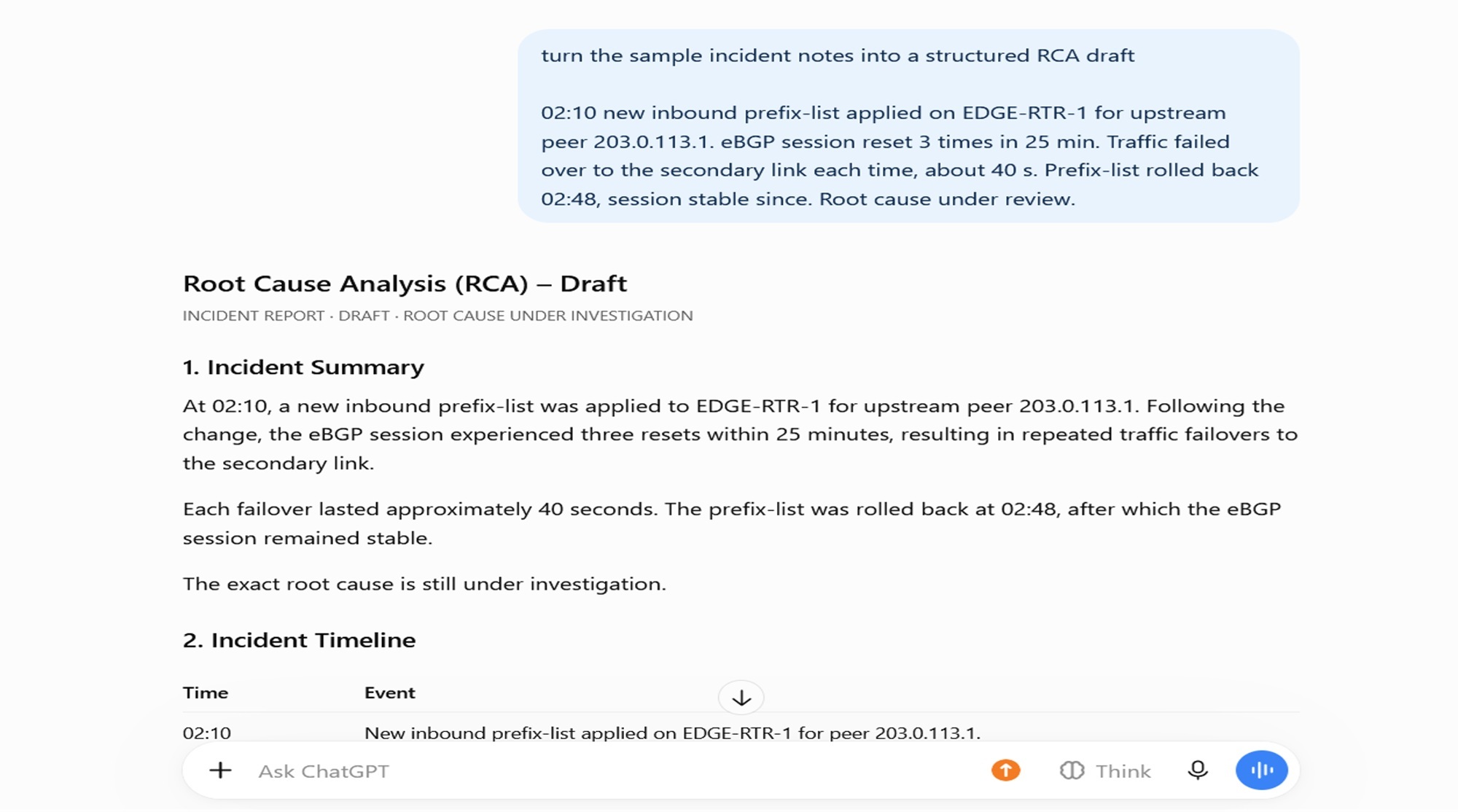
Best For: drafts of runbooks, change requests, config explanations and study notes.
Key Features:
- Projects: one change’s notes, files and instructions in one place.
- File uploads: sanitized show output or design notes, limited on the free plan.
- Training opt-out: on individual plans.
Why It Stands Out: Turning rough notes into structure is the most practical use of ChatGPT for network engineers: paste notes for a BGP prefix-list change and ask for pre-checks, steps, verification and rollback. The IPwithEase ChatGPT cheat sheet covers prompt basics.
Limitation: It can state invented commands, or another OS version’s syntax, as confidently as correct ones.
2. Claude
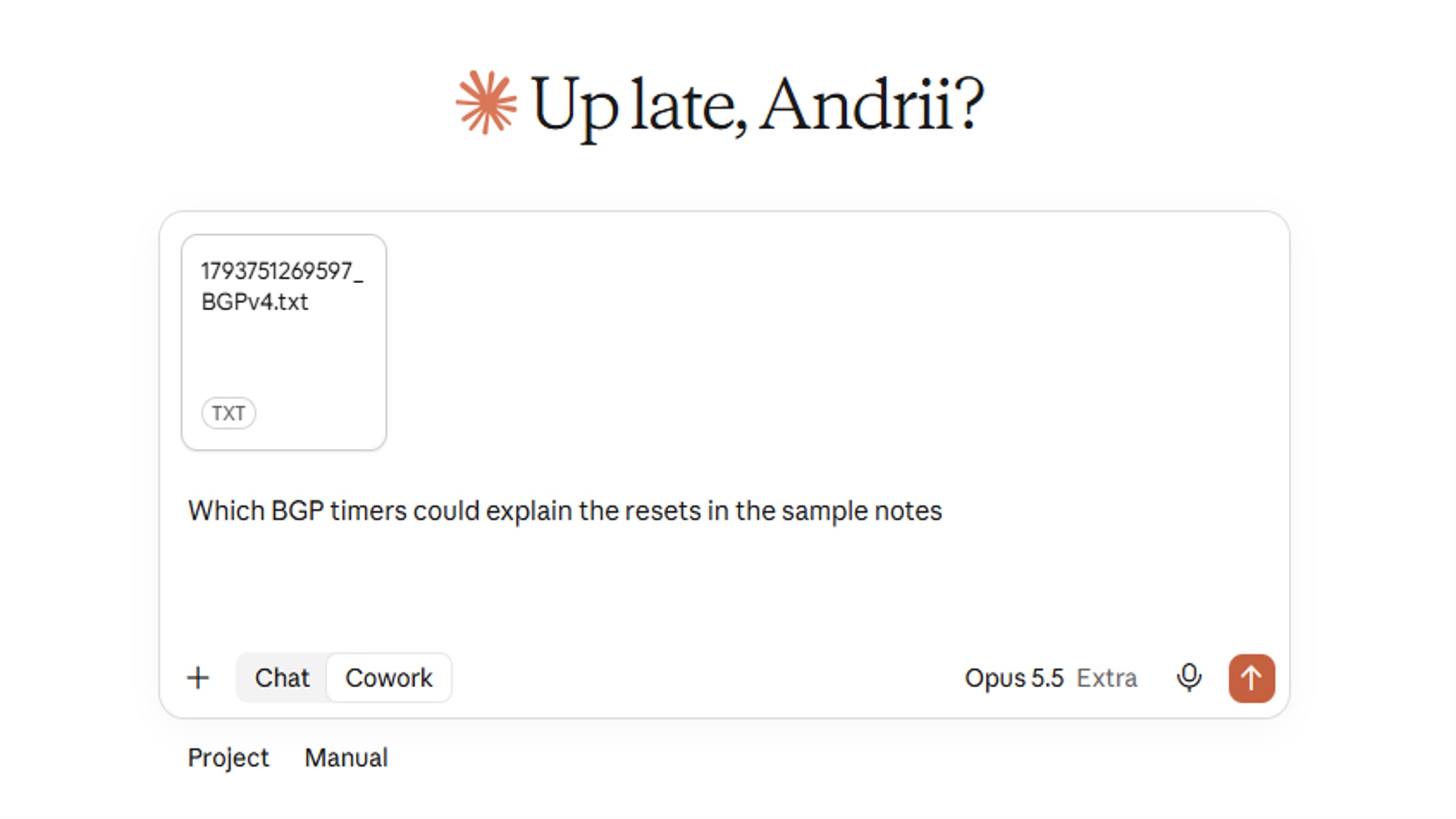
Best For: long RFCs, vendor configuration guides and log exports.
Key Features:
- Large context window: up to 1M tokens, depending on the model.
- File uploads: PDF, DOCX, CSV and TXT, up to 20 per chat.
- Projects: up to five on the free plan.
Why It Stands Out: Upload a vendor design guide with your design document and ask where they disagree, or paste a sanitized OSPF adjacency log and ask for a timeline.
Limitation: Usage resets every five hours, with weekly limits on top, so long free-plan sessions can stop mid-document.
3. GitHub Copilot
Best For: writing and commenting Python and Ansible automation scripts.
Key Features:
- Code completions: 2,000 a month on the free plan.
- Editor chat: in VS Code, Visual Studio, JetBrains IDEs, Xcode and more.
- Copilot CLI: a terminal assistant on the free plan.
Why It Stands Out: A request to comment a Netmiko backup script before peer review gets answers tied to the real code. The IPwithEase list of network automation tools covers Netmiko, Ansible and other options.
Limitation: It’s built for code rather than reports, and free-plan chat and agent use is limited.
4. Perplexity
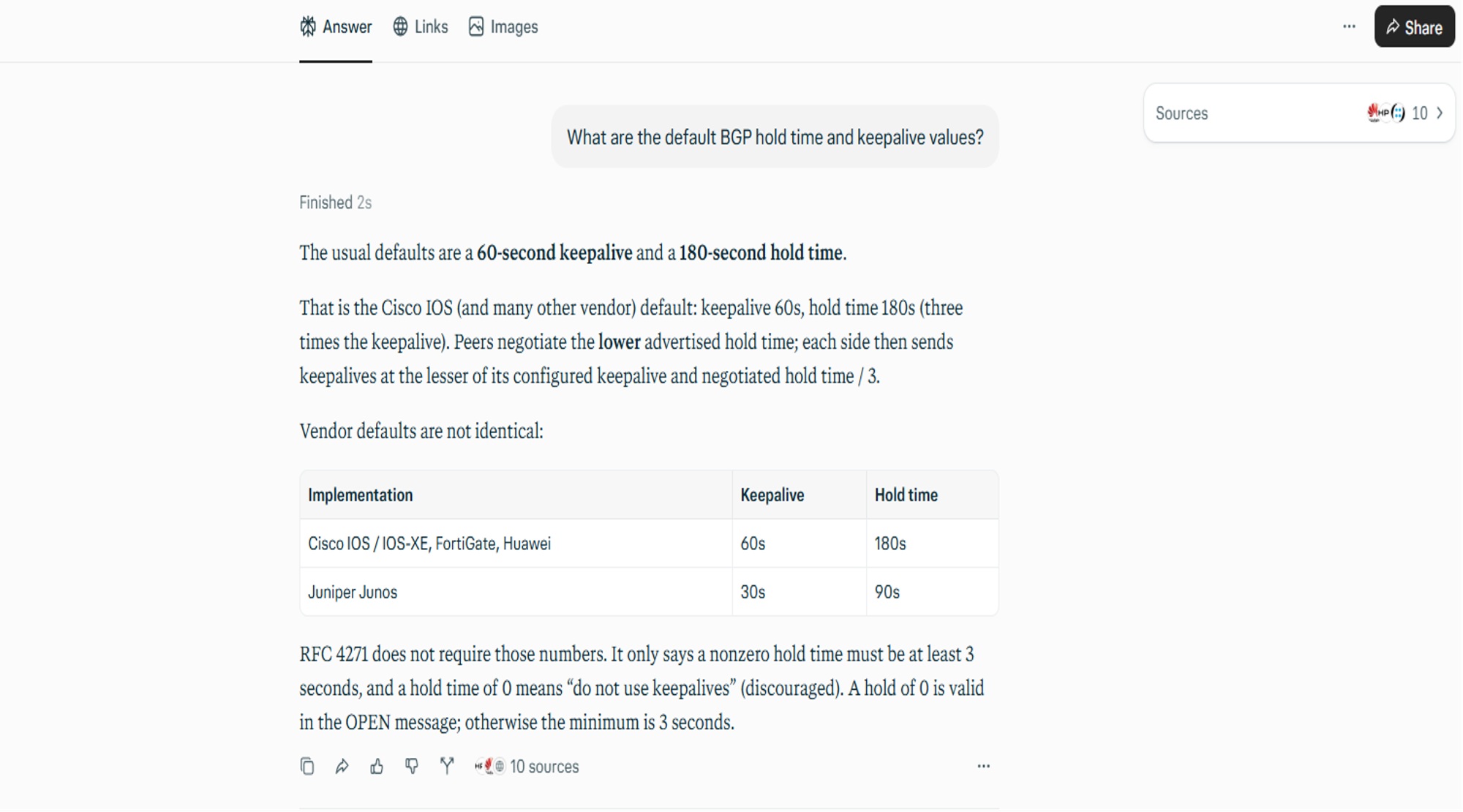
Best For: sourced research on protocols and vendor features.
Key Features:
- Citations: in every answer, on every plan.
- File uploads: PDFs, text and code up to 40 MB, within a weekly allowance.
- Model choice: on Pro.
Why It Stands Out: Ask whether a platform supports BFD for OSPF on your release, and the answer links its claims to sources you can open before they reach a design note.
Limitation: A citation can point to an old release note or a third-party blog, so confirm the vendor’s own docs.
5. Notion AI
Best For: the team wiki and the runbooks the NOC opens during an incident.
Key Features:
- Notion Agent: drafts and edits pages from your workspace, connected apps and the web.
- Enterprise Search (beta): searches connected apps such as Slack and GitHub.
- AI Meeting Notes: notes and follow-ups without a bot in the call.
Why It Stands Out: After a post-incident review, the agent can turn fixes agreed in AI Meeting Notes into an updated runbook page.
Limitation: Free and Plus plans get only a trial, and change records still belong in your ITSM tool.
6. Grammarly
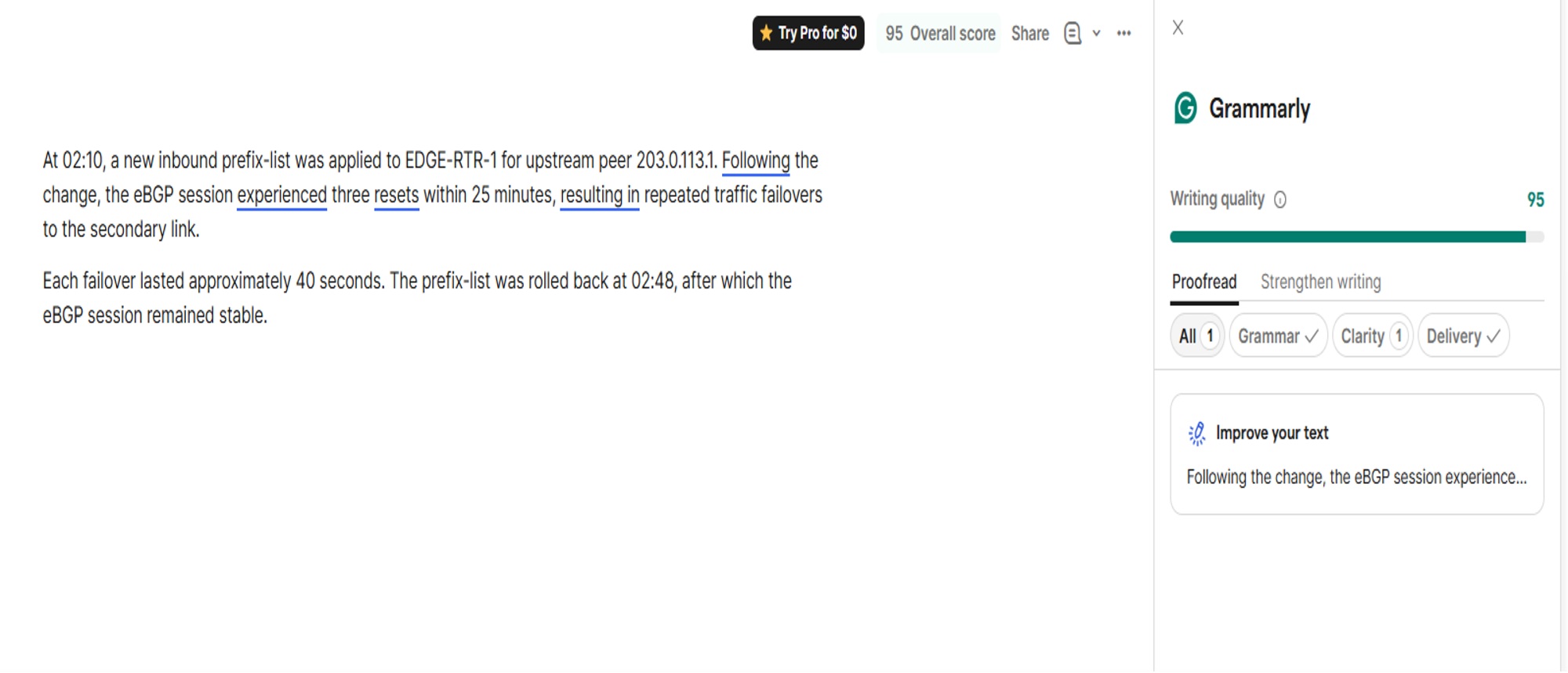
Best For: clear English in incident reports, customer emails and ticket updates.
Key Features:
- Clarity suggestions: in browser extensions, the desktop app, Microsoft Office and Google Docs.
- Tone: shown on the free plan, adjustable on Pro.
- Rewrites: full-sentence rewrites and a custom style guide on Pro.
Why It Stands Out: It helps engineers writing in a second language polish an RCA email or a provider escalation, and you choose which edits to keep.
Limitation: It checks wording, not technical accuracy, and the free plan stops at 100 AI prompts a month.
7. GPTinf
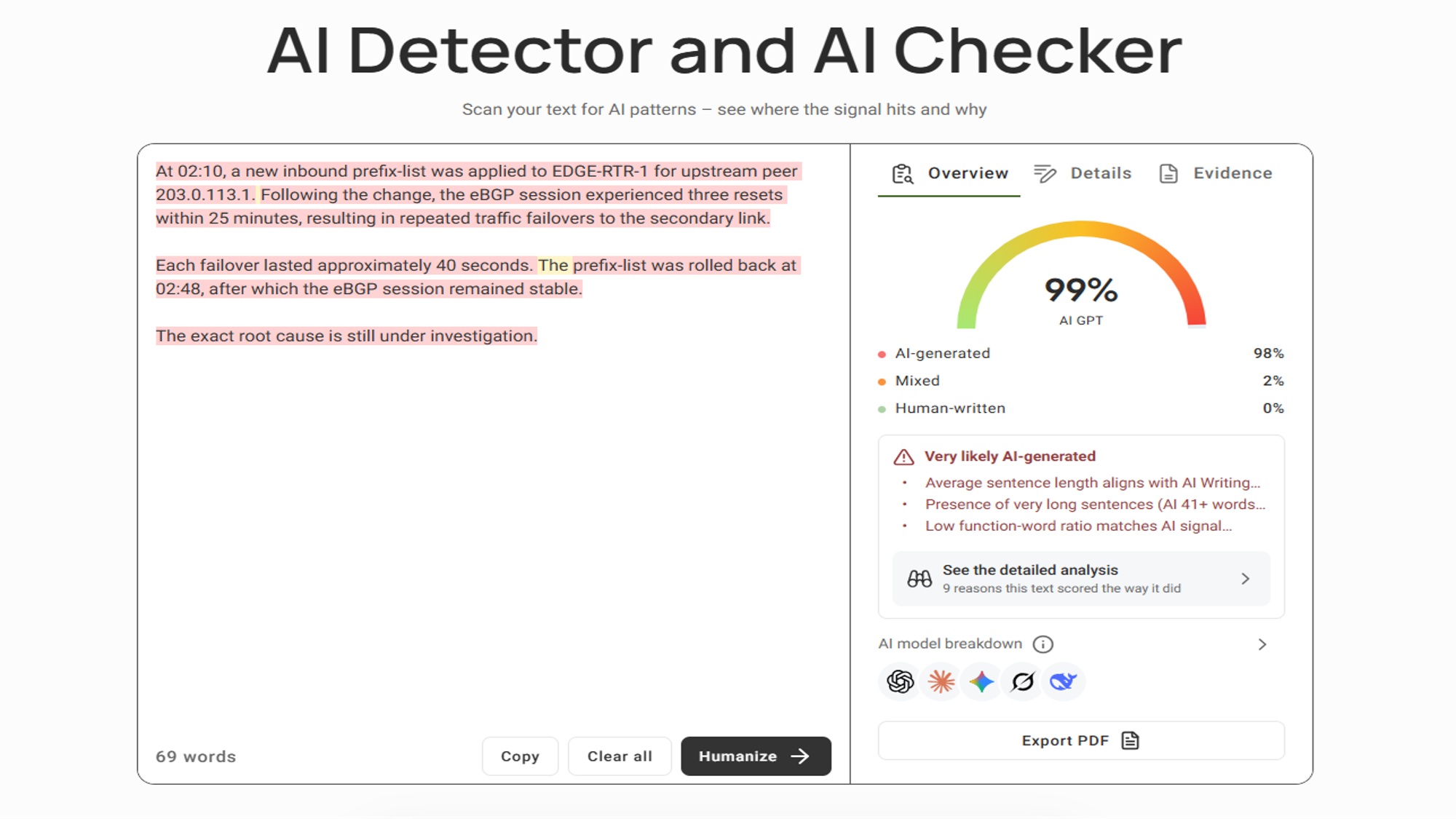
Best For: reports that leave the team, such as management summaries, customer RCAs and LinkedIn posts.
Key Features:
- Detection report: the free AI detector scores the text and color-codes passages as likely AI, mixed or human.
- Reasoning panel: explains why text was flagged, quoting the passages.
- Rewriting: rebuilds flat sentences in Standard or Academic mode.
Why It Stands Out: Summaries built from ticket threads often read like templates, and the color coding points to the sentences worth reworking with the real timeline and impact.
Limitation: The score is a probability, not proof of authorship, and the rewriter takes prose only, not configs or CLI output.
8. Scribe
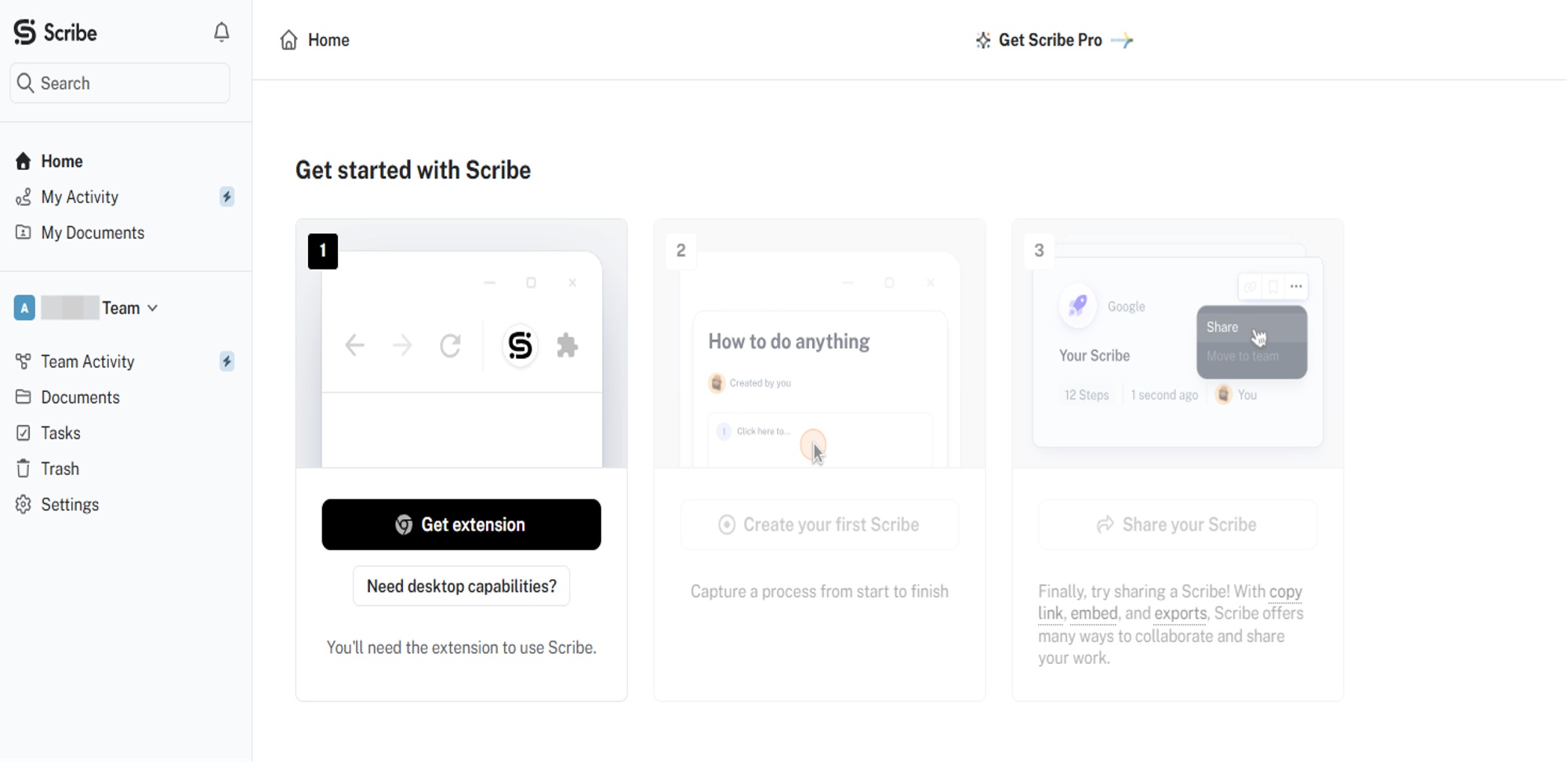
Best For: SOPs with screenshots for GUI firewall and NMS tasks.
Key Features:
- Step capture: turns your clicks in a web app into a guide with screenshots.
- Sharing: by link or as an embed in a wiki.
- Pro editing: screenshot redaction and PDF, HTML or Markdown export.
Why It Stands Out: Record a firewall rule change in the web console once, and a junior engineer can follow the same screens next time.
Limitation: Redaction needs Pro, so on the free plan check every screen for public IPs, hostnames and usernames before sharing.
8 AI Tools for Network Engineers Compared: Features, Limits and Free Plans
There’s no single best AI for network engineers, so shortlist two or three tools by the document you write most often.
| Tool | Features | Strengths | Limitations | Best Use | Free Plan and Starting Price |
|---|---|---|---|---|---|
| ChatGPT | Projects, uploads, training opt-out | Fast first drafts | Can invent commands | Runbooks, change requests | Yes; paid plans priced by region |
| Claude | 1M-token context, uploads, Projects | Long documents | Five-hour and weekly limits | RFCs, guides, logs | Yes; Pro from $17 a month |
| GitHub Copilot | Completions, editor chat, CLI | Works on the real code | Code only | Automation scripts | Yes; Pro $10 a month |
| Perplexity | Citations, uploads, model choice | Answers you can verify | Sources can be outdated | Protocol research | Yes; Pro $17 a month billed annually |
| Notion AI | Agent, Enterprise Search, Meeting Notes | Answers from your own pages | Trial below Business | Team wiki, runbooks | Trial; Business from $20 per member a month |
| Grammarly | Clarity, tone, rewrites | Clear English | Wording only | Reports, customer emails | Yes; Pro from $12 per member a month |
| GPTinf | Detection report, reasoning panel, rewriting | Shows generated-sounding sentences | Probability score; prose only | Reports that leave the team | Yes: unlimited checks, 300 words per rewrite; Lite $9.99 a month |
| Scribe | Step capture, sharing, redaction on Pro | Guides from your clicks | No free-plan redaction | GUI firewall and NMS tasks | Yes; Pro Personal from $25 per seat a month |
How to Use AI Writing Tools Safely in IT: 4 Rules
Most problems with AI for network engineers start in one of two places: data that leaves the building and output that nobody checked.
- Sanitize before you paste. Never put running configs, public IPs, credentials, SNMP community strings or customer names into a public AI tool. Swap addresses for the documentation ranges that RFC 5737 reserves (192.0.2.0/24, 198.51.100.0/24 and 203.0.113.0/24) and hostnames for labels such as EDGE-RTR-1.
- Check your plan’s data settings. Individual ChatGPT and Claude plans let you opt out of model training, and their business tiers don’t train on your content by default. If your company approves a specific tool, use it.
- Test every generated command in a lab. Match the production platform and OS version in GNS3 or EVE-NG, or use Cisco Packet Tracer for CCNA-level practice, because a command that works on one release can fail on another.
- Edit customer-facing reports last. Edit the AI draft by hand, or run its prose through a humanizer AI tool that rewrites flat, repetitive sentences. Then add the real timeline, device names and figures, and have a second engineer read anything that goes to management or customers.
Conclusion: Which AI Writing Assistant to Use for Each Network Document
AI writes the first draft, and the engineer owns accuracy. Match the tool to your most common document:
- Change requests, runbooks and study notes: ChatGPT, or Claude for long vendor guides and logs.
- Scripts and research: GitHub Copilot and Perplexity.
- The wiki and GUI procedures: Notion AI and Scribe.
- Reports that leave the team: Grammarly for wording and GPTinf for a last review.
This week, try one drafting tool on your next change request, sanitize the notes first, and lab-test every generated command.
ABOUT THE AUTHOR

IPwithease is aimed at sharing knowledge across varied domains like Network, Security, Virtualization, Software, Wireless, etc.