Table of Contents
Sooner or later every Exchange admin gets the same request: “We have this old EDB file. Can you get one mailbox out of it?” Most of the time there is no Exchange Server around to mount it on, and nobody wants to build one just to rescue a few mailboxes.
That is the gap the Free EDB to PST Converter from Stellar is meant to fill. It is a web-based service. You upload the EDB file, let it analyze the database, look through the mailbox folders and item counts, and then download the mailboxes you need as PST files inside a ZIP archive.
I ran an EDB file through it from start to finish. Below is how each step went, what the pricing looks like, and where I think the online tool stops being the right choice.
The workflow at a glance for EDB to PST converter Stellar’s online service
There are only four steps, and the tool does not ask you to do anything clever in between:
- Upload the EDB file
- Let the service analyze it
- Check the mailbox folders and item counts in the preview
- Download the PST files as a ZIP
Step 1: Upload the EDB file
You sign in and upload the EDB. That is really all there is to it. No Exchange Server to configure and nothing to install on your machine. I picked the file and started the upload.
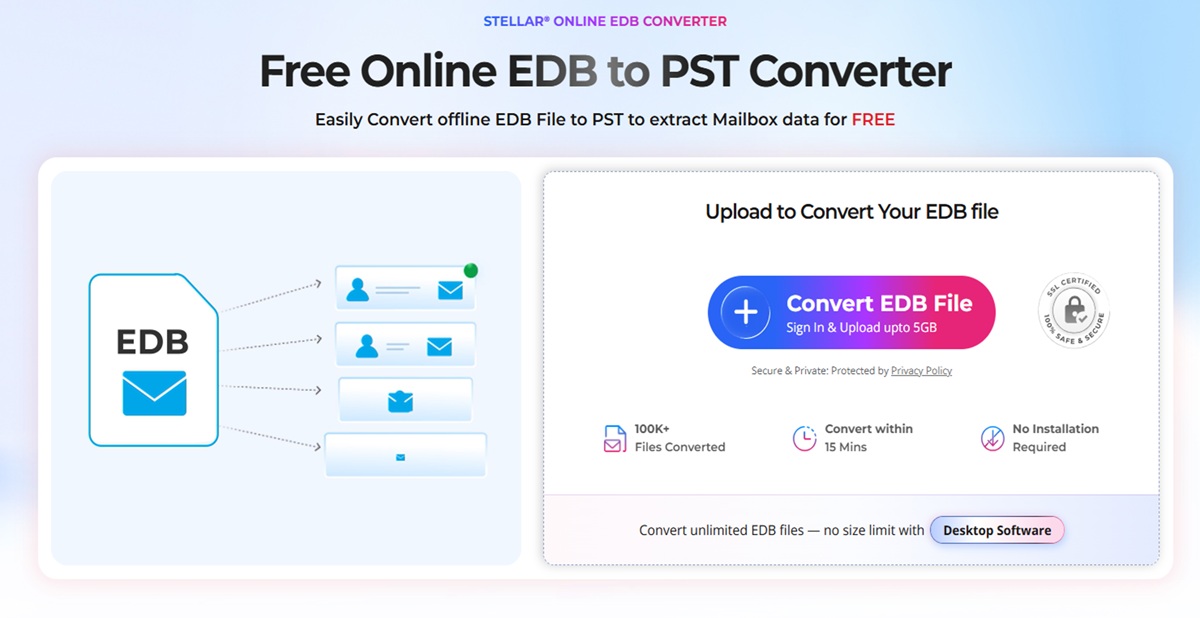
If you only touch EDB files now and then, this is a big plus. You skip the whole routine of downloading a desktop tool, installing it and finding out it needs something else first.
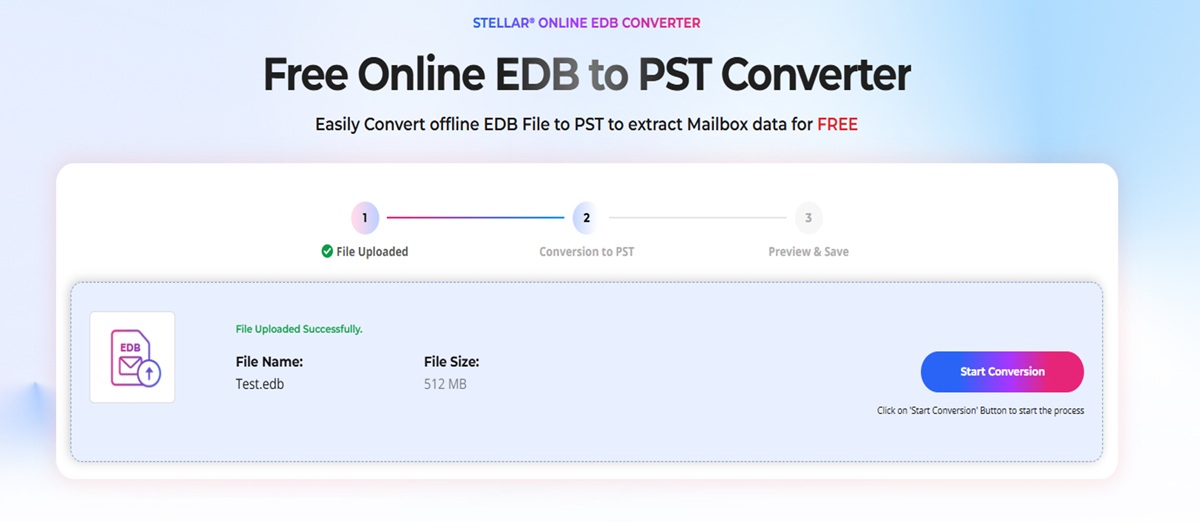
Step 2: Analysis
Once the upload finished, the service went through the database to work out which mailboxes were inside. How long that takes depends on how big the EDB is and how much mailbox data sits in it, so do not expect the same wait for a 400 MB file and a 4 GB one.
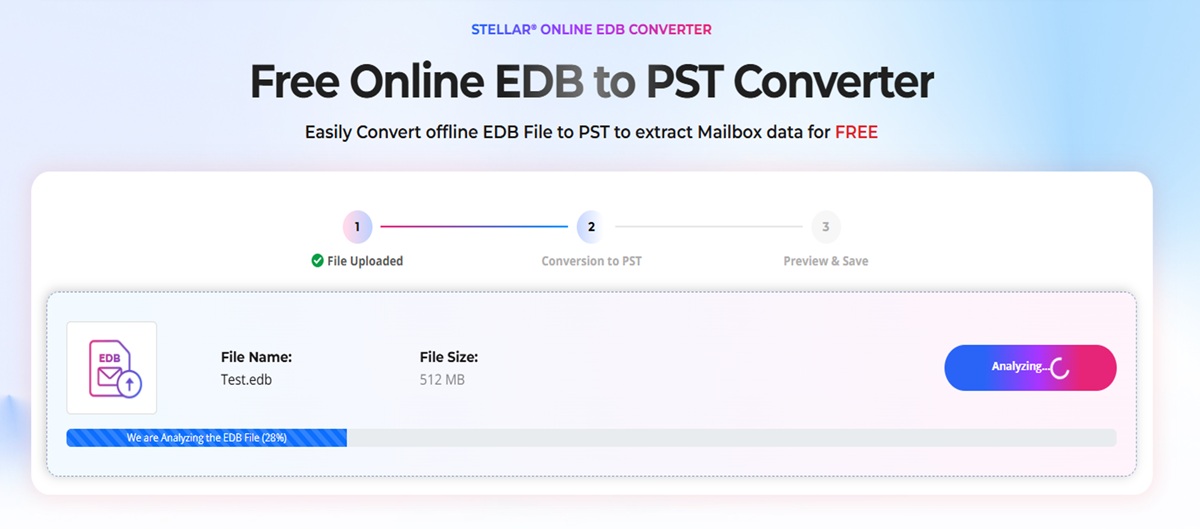
When the analysis is done, the mailbox information is laid out in front of you. I like this stage because you learn what is in the file before you commit to downloading anything.
Step 3: The HTML preview
For me this was the most useful part of the whole process. After the analysis you can open the mailboxes and see the folder structure with the item count for each folder.
The preview shows:
- Mailbox names
- Folder structure
- Number of items in each mailbox
- Folders and subfolders
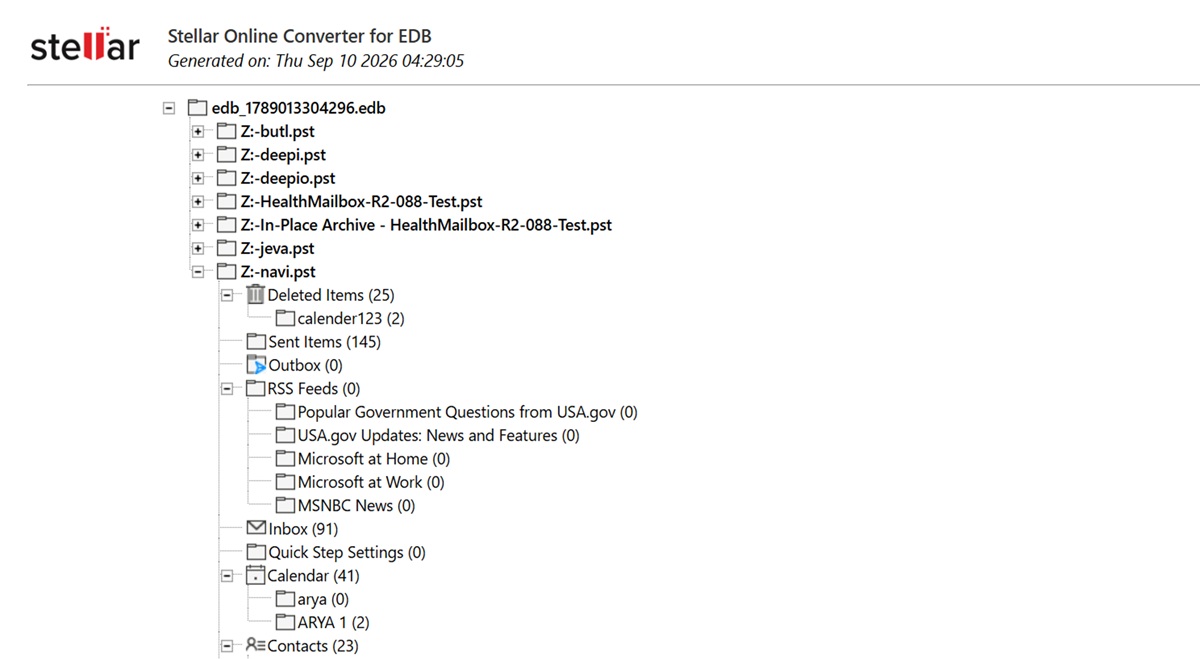
Anyone who has exported a whole database only to find the mailbox they wanted was not in it will see the value. A quick look at the folders and counts tells you if the data you need is actually there, before you spend time on a download.
Step 4: Download the PST files as a ZIP
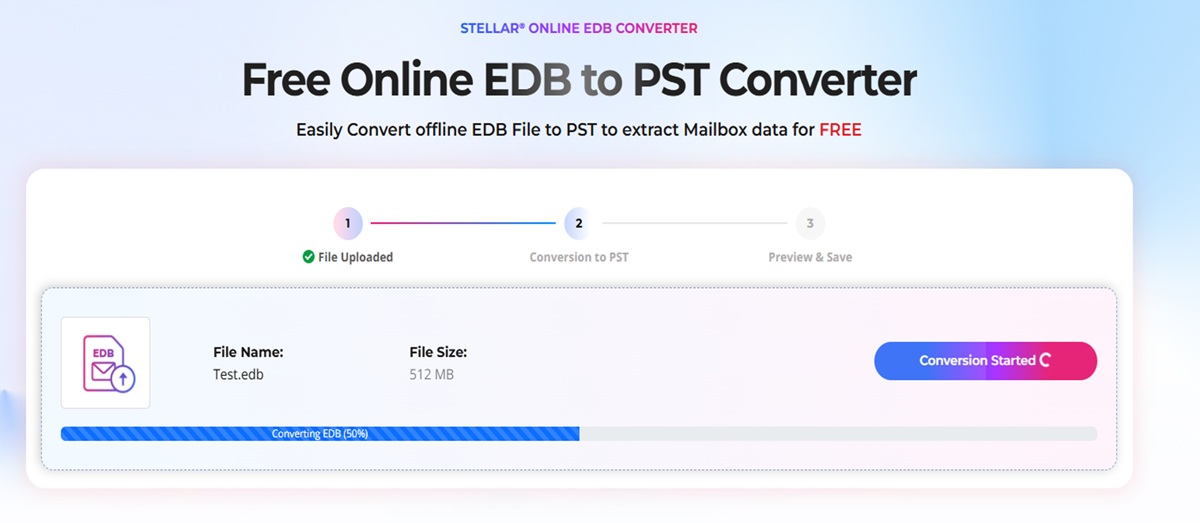
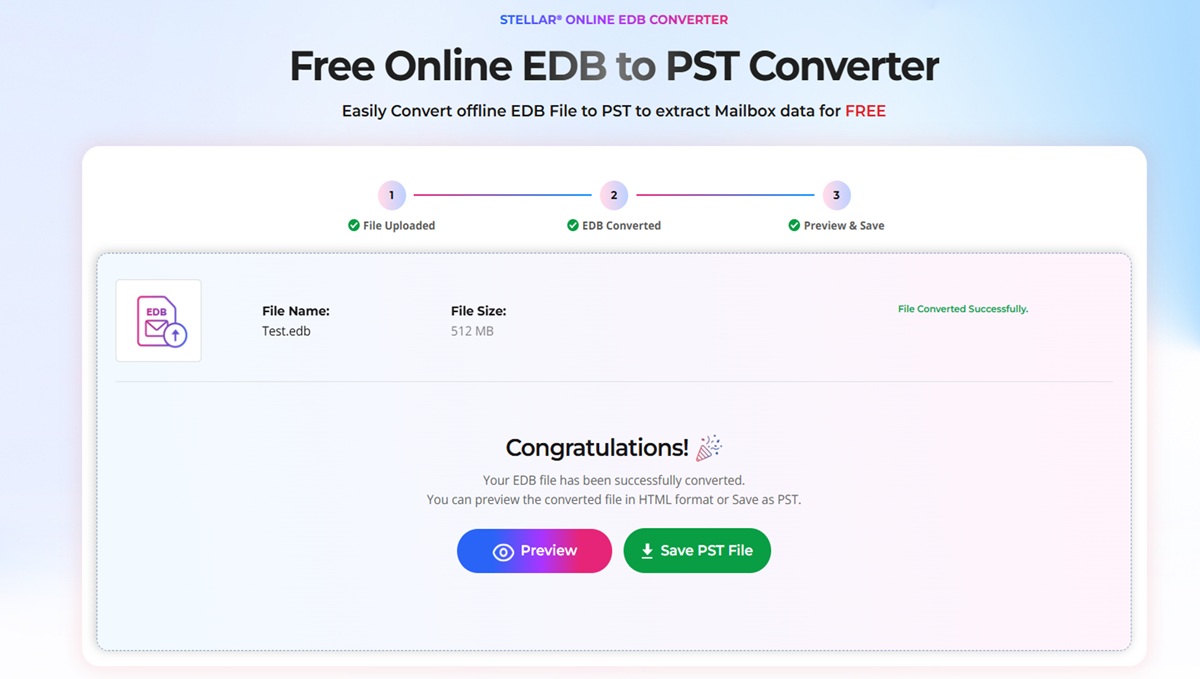
After checking the preview, you pick the mailbox data you want. The service converts it to PST and hands it over as one ZIP file. If the EDB has several mailboxes, you get them together in a single package instead of downloading them one by one.
Extract the ZIP on your computer and you have normal PST files that open in Microsoft Outlook or any other application that reads PSTs.
Pricing
There are two tiers, and the difference comes down to how much data you need to process.
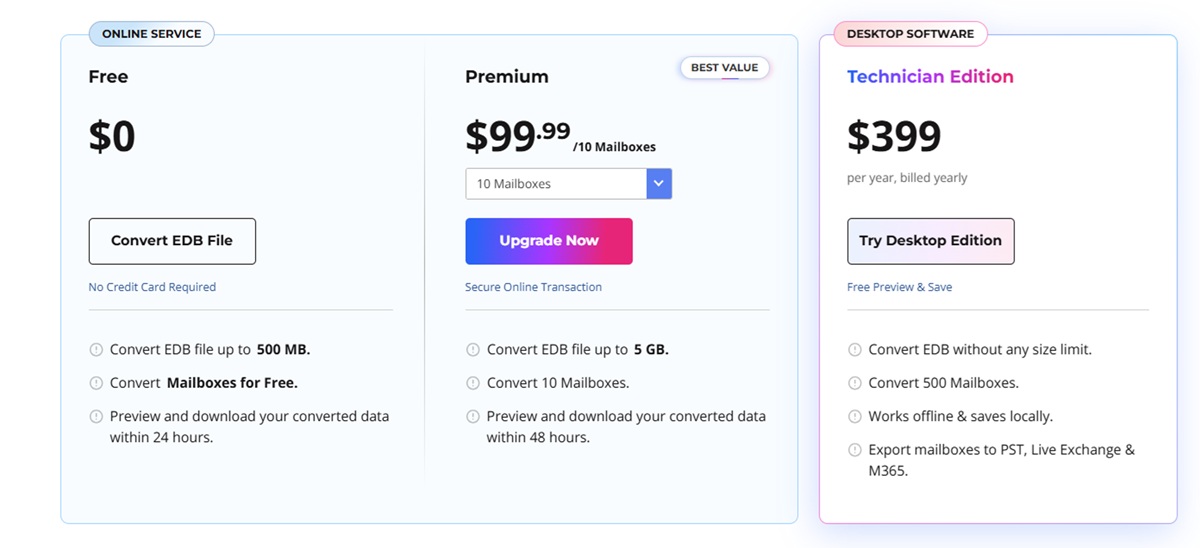
Free
Good for small files and one-time jobs.
- Converts EDB files up to 500 MB
- Mailboxes are converted for free
- Download is available within 24 hours
It also works well as a trial run. You can see how the service behaves with a small file before you pay for anything.
Premium
Meant for bigger databases and more mailboxes.
- Converts EDB files up to 5 GB
- Download is available within 48 hours
- Premium access costs $99.99 for 10 mailboxes
Data Security
Uploading mailbox data to any outside service deserves a second thought, so I checked how long the files stay on the server. According to the Stellar service’s data-handling process, uploaded EDB data is deleted automatically after a fixed period.
For Free users the data is deleted within 24 hours. For Premium users it is deleted within 48 hours.
A short retention window helps, but it does not replace your own judgement. Check your organization’s data-handling policy before you upload anything that contains sensitive mail.
Related – What is Data Erasure?
Where the Stellar Converter for EDB desktop software comes in
The online service covers one job, which is getting PST files out of an EDB. Stellar Converter for EDB is the desktop edition, and it is aimed at admins who do this regularly or need more than a PST at the end.
You install it on a Windows and the EDB is processed locally. With it you can:
- Open and analyze EDB files locally on your system
- Full Preview mailbox contents
- Select individual mailboxes and folders
- Convert EDB data to PST & other formats EML, MSG, HTML, RTF, and PDF
- Export mailbox data to Live Exchange
- Export mailbox data to Microsoft 365
- Work with large offline EDB files
How to Convert EDB to PST Using Stellar Converter for EDB
1. Launch Stellar Converter for EDB.
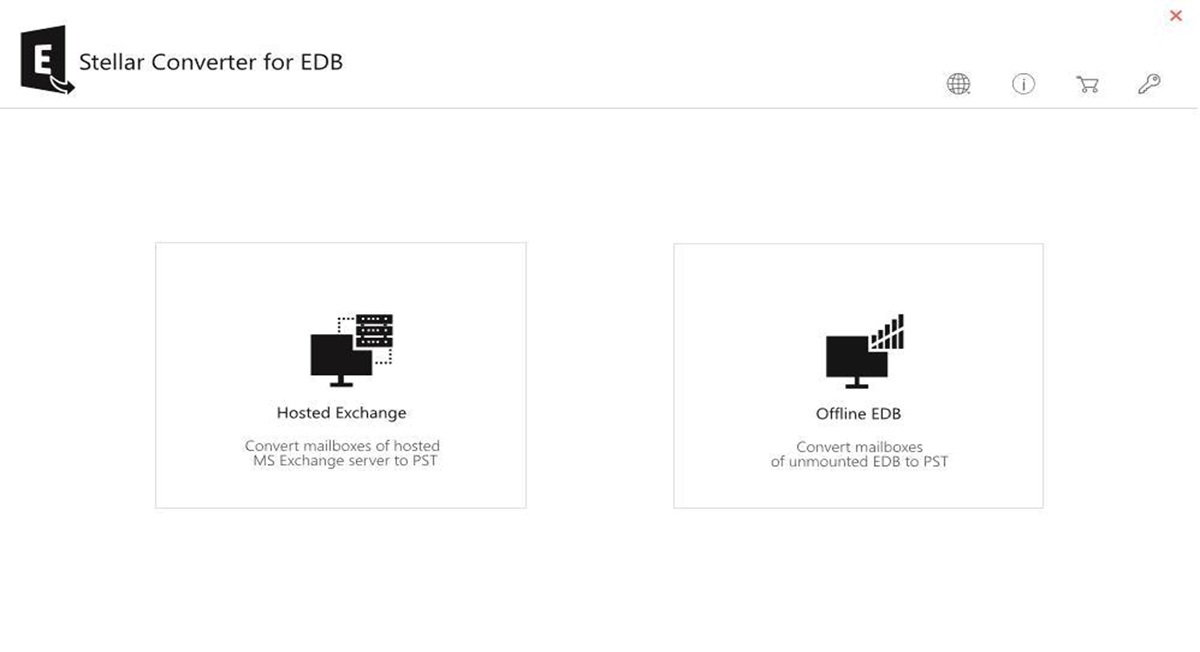
2. Select Offline EDB.
3. Click Browse and select the EDB file.
4. Click Next to start the conversion.
5. Preview the mailboxes in the tree view.
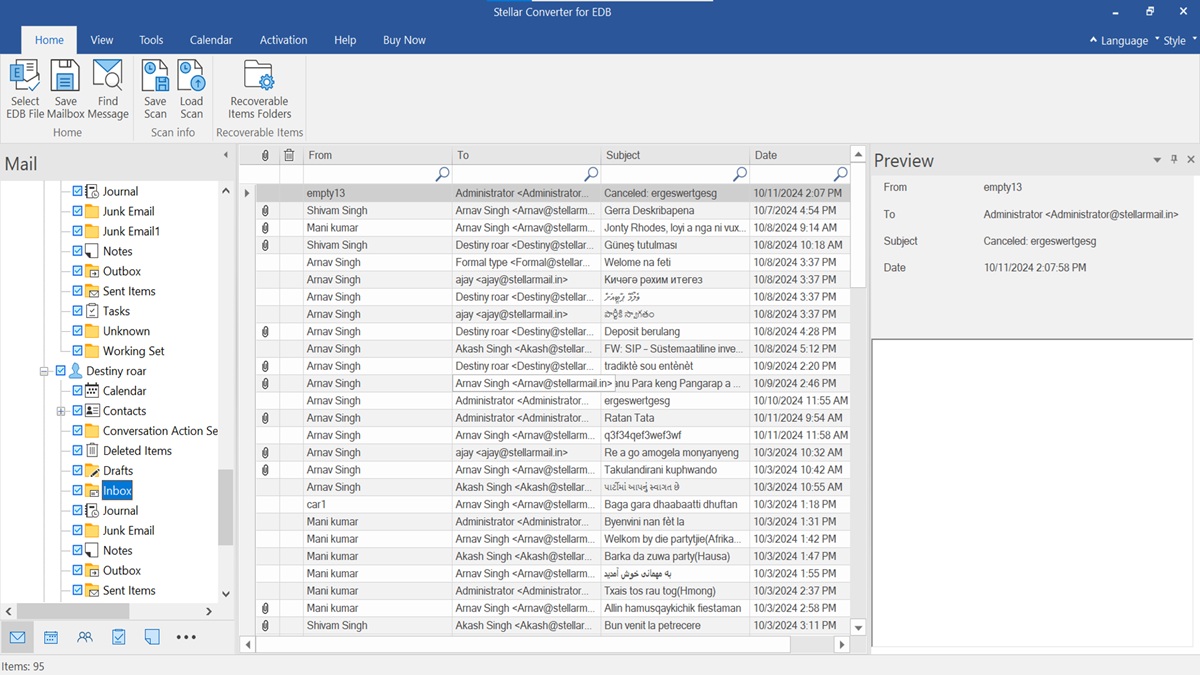
6. Select the required mailbox and click Save.
7. Choose PST as the output format.
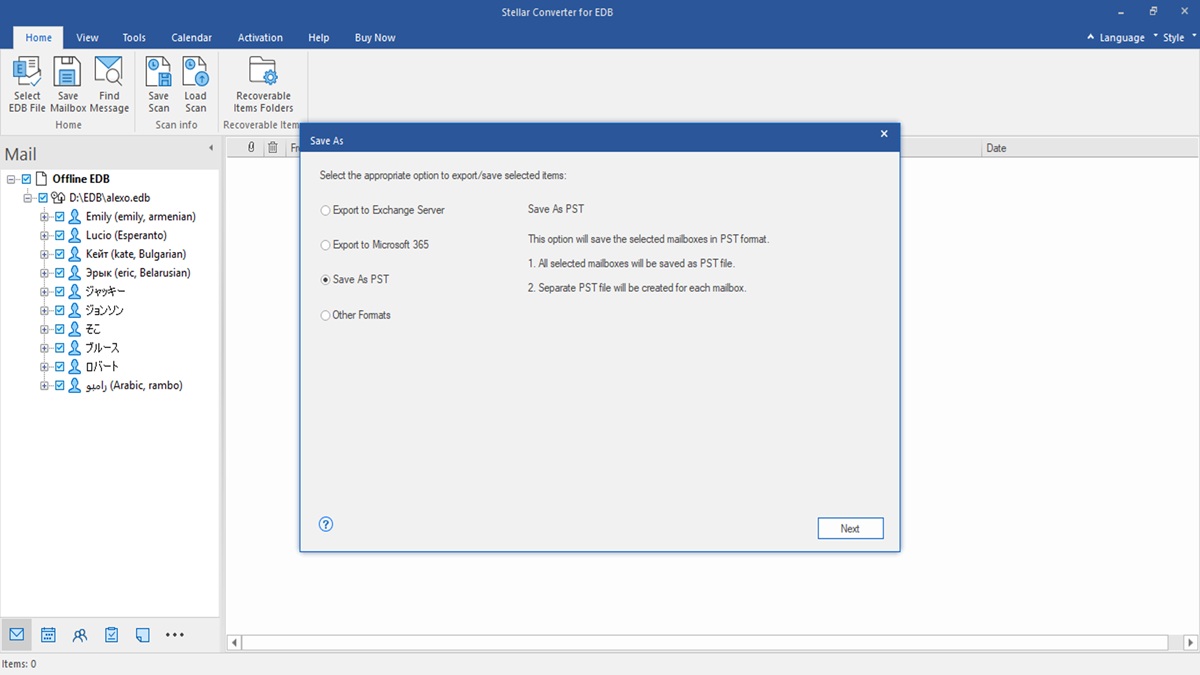
8. Select the destination folder and click OK to save the PST file
My Verdict
I expected the EDB to PST converter Stellar online service to be just a basic version of the desktop product, but it turned out to be more useful than I thought. You can upload an EDB file, check the folder structure and item counts, and download PST files without installing any software. It is a good option for one-time tasks. I would use it for small or medium-sized EDB files when I need a quick solution and am comfortable uploading the data to an online service. The Free plan supports smaller files, while Premium supports files up to 5 GB. Both have limited download times and data retention periods.
For larger databases, sensitive data, or regular use, I would choose the desktop edition. It is also a better option when you need to export mailboxes directly to Live Exchange or Microsoft 365 instead of PST files. The desktop edition has no file-size limit.
My recommendation is simple: use the online service when you need a quick, install-free way to check an EDB file and export a few mailboxes to PST. Choose Stellar Converter for EDB when you have large or sensitive databases, handle these tasks regularly, or need to export mailboxes directly to Exchange or Microsoft 365. Both options serve different needs, and the right choice depends on your database size, data security requirements, and export needs.
ABOUT THE AUTHOR

IPwithease is aimed at sharing knowledge across varied domains like Network, Security, Virtualization, Software, Wireless, etc.