Table of Contents
Ask a migration program manager what the project is about and you’ll usually hear about servers, storage arrays, virtualization clusters and maybe a cloud landing zone. The network gets a line or two in the plan. Something like “extend VLANs, update firewall rules, cut over routing.”
That single line hides most of the risk.
Most migration plans focus on compute and storage, but the network is usually where hidden dependencies show up first. Legacy firewall rules, hardcoded IPs and undocumented flows are among the most common data center migration challenges, and they tend to appear only once traffic starts moving. A VM can be vMotioned in seconds. The fifteen years of assumptions baked into ACLs, NAT tables and application config files can’t.
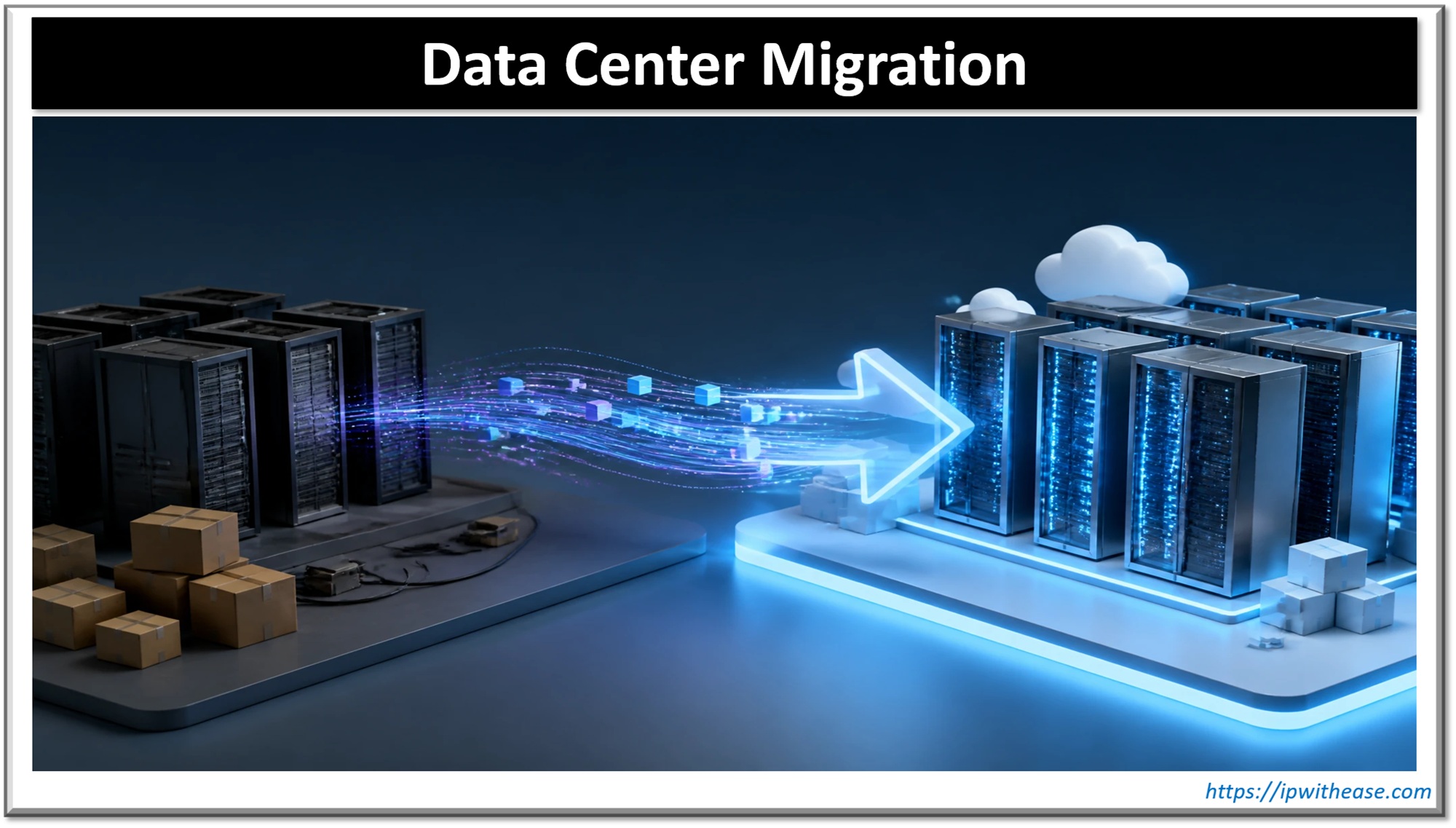
This post walks through a data center migration the way a network engineer actually has to think about it: discovery first, then the IP addressing decision, then how you physically or logically bridge the two sites, and finally how you cut over, validate and shut the old environment down without leaving landmines behind.
Data Center Migration
1. Discovery: Find Out What Is Really Talking to What
Every migration starts with an application inventory, and every application inventory is wrong. Not deliberately. It’s just that the CMDB reflects what someone registered, not what the network actually carries.
So before anyone moves a single workload, the network team should build its own picture of reality from the data the network already has.
- Flow data (NetFlow, sFlow, IPFIX). This is your best source. Turn on flow export at the data center core, the firewall boundaries and ideally the server-facing leaf or access layer. Collect for at least a full business cycle. Two weeks catches most things; a month-end close or quarterly batch job will only show up if you collect across it. What you’re looking for is not top talkers, it’s the long tail: the server that sends one SNMP trap a week to a monitoring box nobody remembers, or the payroll system that pulls a file from an old FTP server on the 28th of every month.
- ARP and MAC tables. Pull these from every Layer 3 gateway and access switch, and do it more than once. ARP tables tell you which IPs are actually alive in each subnet. Compare that to your IPAM. You’ll almost always find live hosts that aren’t in IPAM, and IPAM entries for hosts that died years ago. MAC tables tell you where those hosts physically sit, which matters when you’re planning move groups.
- Firewall logs and rule hit counts. Firewalls are the closest thing you have to an application dependency map, because every permitted flow was, at some point, requested by someone. Export the rulebase with hit counters. Rules with zero hits over 90 days are candidates for cleanup (not migration). Rules with heavy hits but vague names like “Temp_Allow_Vendor_2017” deserve a conversation with the application owner.
- DNS query logs. Often overlooked. Logging queries on internal resolvers shows which hostnames applications actually resolve, which helps you spot dependencies that never appear in flow data because they go through a load balancer or proxy first.
The output of discovery should be a set of move groups: clusters of systems that talk to each other heavily and need to migrate together or very close together. Splitting a chatty application tier from its database across two sites with 8 ms of latency between them is how you turn a one-second report into a ten-minute one.
2. Re-IP or Keep the IPs? The Decision That Shapes Everything Else
This is the single biggest design choice in a network migration, and it ripples into every later phase. There’s no universally correct answer, but the trade-offs are predictable.
| Keep existing IPs | Re-IP into new subnets | |
| Application changes | Minimal | Potentially many (config files, connection strings, licenses) |
| Network complexity during migration | High: needs L2 extension or host routing | Lower: clean routed design |
| Firewall and ACL changes | Few | Every rule referencing old IPs must be rewritten |
| Rollback | Easier: move the VM back | Harder: IP and config must revert |
| Long-term cleanliness | Carries old addressing debt forward | Chance to fix IP plan, summarization, segmentation |
| Hidden risk | Stretched L2 failure domains | Hardcoded IPs nobody knew about |
Keeping IPs is what application teams almost always ask for, and for good reason. Nothing inside the application has to change. The cost lands on the network team, which has to make the same subnet reachable in two places at once, usually through Layer 2 extension.
Re-IPing gives you a clean slate. New subnets can follow a sensible plan, summarize properly and map to modern segmentation zones. The cost lands on application teams, and the real enemy here is the hardcoded address.
You’ll find IPs embedded in places nobody thinks to check:
- Application config files and connection strings that use an IP instead of a hostname
- Database link definitions and replication targets
- License servers that bind a license to a host IP
- Partner and vendor allowlists on their firewalls, which you don’t control
- Printer, scanner and IoT device configurations
- Scripts and cron jobs written by someone who left in 2014
- Hosts files on individual servers
DNS helps a lot, but only if applications actually use it. If you go the re-IP route, start a hostname audit early: grep config repositories for IP patterns, ask vendors which addresses they’ve allowlisted, and lower DNS TTLs on migrating records to something like 60–300 seconds a week or two before cutover so changes propagate quickly.
In practice, many migrations land on a hybrid: keep IPs for the hard-to-change legacy estate, re-IP anything that’s being rebuilt or modernized anyway.
3. Layer 2 Extension vs Routed Migration
If you keep IPs, you need a way for the same subnet to exist at both the source and the destination while workloads move in waves. That’s Layer 2 extension, sometimes called a stretched VLAN or Data Center Interconnect (DCI).
Common Options
- VXLAN EVPN. The modern default. VXLAN carries Layer 2 frames over a routed underlay, and EVPN (BGP-based) distributes MAC and IP reachability so you’re not relying on flood-and-learn across the WAN. Multi-site designs with border gateways let you keep each data center as its own fabric and failure domain while extending only the specific VNIs you need. Features like ARP suppression and distributed anycast gateway mean a host gets the same default gateway IP and MAC on both sides, so a VM that moves keeps routing locally without hairpinning traffic back to the old site.
- OTV (Overlay Transport Virtualization). Cisco’s older DCI technology, still found in a lot of Nexus 7000-era environments. It was designed specifically to extend VLANs between data centers while containing STP and limiting unknown unicast flooding. It works, but it’s legacy at this point, and you’d rarely choose it for a new build.
- Other approaches. VPLS over an MPLS core, plain 802.1Q trunks over dark fiber (please don’t, beyond very short distances), and vendor-specific options like NSX-based Layer 2 bridging for virtual workloads. Cloud migrations have their own equivalents, such as the L2 extension features in VMware HCX.
The Routed Alternative
The cleaner approach is to avoid stretching Layer 2 at all. Workloads move into new subnets at the destination (re-IP), or, in more advanced designs, you advertise /32 host routes for migrated hosts so the routing table, not a stretched broadcast domain, tells the network where each IP lives. LISP was built around this idea of separating identity from location, and EVPN host-route advertisement achieves something similar in modern fabrics.
Why Stretched VLANs should be temporary
Layer 2 extension is a migration tool, not an architecture. Leave it in place too long and it becomes permanent by accident. The problems are well known:
- Shared failure domain. A broadcast storm, loop or misbehaving host on one side can affect both data centers. You’ve just tied the availability of your new site to the health of your old one.
- Traffic tromboning. If the default gateway, firewall or load balancer for a stretched subnet still lives in the old site, traffic from a migrated VM goes back across the DCI link, gets routed, then comes back again. Latency and link use both suffer.
- Split-brain risk. If the DCI link fails, both sides may believe they own the subnet. Clustered applications, in particular, behave badly here.
- MTU problems. VXLAN adds around 50 bytes of overhead. If the underlay MTU isn’t raised end to end, you’ll see strange failures where small packets work and large ones silently drop.
Set a decommission date for every stretched VLAN on the day you create it, and track it like any other migration milestone. Once the last host in a subnet has moved, move the gateway, cut the extension and let the subnet live only at the new site.
4. Migrating Firewall Rules, NAT and Load Balancer VIPs
This is where migrations quietly fail. The servers come up, ping works, and the application still doesn’t.
Firewall Rules
Don’t lift and shift the rulebase. A rulebase that has grown for ten years will carry shadowed rules, duplicates, overly broad “any” rules added during an outage and objects pointing at hosts that no longer exist.
A sensible process:
- Export rules with hit counts and last-hit timestamps.
- Flag zero-hit rules for review and likely removal.
- Map remaining rules to the move groups from discovery.
- Rebuild rules at the destination using object groups and naming that reflect the new design (and new IPs, if you’re re-IPing).
- Run both rulebases in parallel during the transition, logging denies aggressively at the new site so you catch anything missed.
If the platform is changing too, for example from an old ASA estate to a next-generation firewall, use the vendor’s migration tool for the bulk conversion, then review the output by hand. Automated conversion handles syntax well and intent poorly.
NAT
NAT is full of order-of-operations traps. Source NAT for outbound internet access, static NAT for published services and twice-NAT rules for partner connections all need to be rebuilt with the same precedence. Pay particular attention to any public IPs that external partners have allowlisted. If your public egress address changes as part of the move, those partners need to update their firewalls, and that can take weeks of email.
Load Balancer VIPs
Virtual IPs are a migration opportunity because they already decouple the client-facing address from the servers behind them. Common patterns:
- Keep the VIP where it is and add pool members from the new site, then drain the old members gradually.
- Stand up a new VIP at the destination and move traffic with DNS or global server load balancing (GSLB), using health checks and weights to shift load step by step.
Either way, check persistence settings, SSL certificates and any SNAT behavior on the load balancer, because a change in source address can break application-level allowlists on the back end.
5. Routing Cutover: Moving the Traffic
At some point the destination has to become the authoritative location for each subnet. How you get there depends on your routing design, but the principle is the same: change preference in a controlled, reversible way, never all at once.
BGP
If the data centers connect through BGP to a WAN, MPLS provider or internet edge, you have plenty of tools:
- More-specific prefixes. Advertise a /24 from the new site while the old site still advertises the /23. Longest-prefix match moves traffic to the new site, and withdrawing the /24 moves it back. Simple and very effective for rollback.
- AS-path prepending on the old site’s advertisements to make it less attractive.
- Local preference inside your own AS to control outbound path selection.
- MED to influence how a neighboring AS (often your MPLS provider) enters your network, where they honor it.
OSPF and IGP
Inside the enterprise, adjust interface costs or redistribution metrics so the new site’s path becomes preferred. If you’re redistributing between protocols during the move, watch for routing loops and suboptimal paths; route tags and filtering at redistribution points are worth the extra config.
First-hop Gateways
For stretched subnets, the default gateway location matters as much as routing. Moving an HSRP or VRRP active role from the old site to the new one is a routing cutover in its own right. With anycast gateway in an EVPN fabric this problem mostly disappears, which is one more reason to prefer it.
Rollback Plans
Every cutover step should have a written, tested rollback. That means:
- Exact commands to revert, saved and peer-reviewed before the change window
- A clear go/no-go decision point with named owners
- Defined rollback triggers, such as “if application X health checks fail for more than 10 minutes”
- Configuration backups of every device touched, taken immediately before the change
If a step can’t be rolled back, such as a public IP change that external partners have already applied, call it out explicitly in the change plan so nobody assumes otherwise at 2 a.m.
6. Validating After Cutover
“It pings” is not validation. A proper post-cutover check covers several layers:
- Reachability. Hosts reachable from user networks, other data centers, partner connections and the internet, as applicable.
- Routing state. Expected prefixes present, correct next hops, no unexpected asymmetric paths (stateful firewalls hate asymmetry).
- Application transactions. Synthetic tests that actually log in, query a database, submit a form. Ideally application owners run their own smoke tests during the window.
- Flow comparison. Compare post-migration flow data against the discovery baseline. A flow that existed before and has vanished is either an intentionally retired dependency or a broken one. Find out which.
- Firewall deny logs. A spike in denies at the new site right after cutover is a gift. It tells you exactly which rule you missed.
- Performance. Latency, packet loss and throughput, especially across any remaining DCI links.
Keep elevated monitoring for at least a full business cycle after the move. Some dependencies (month-end jobs, quarterly reports, annual license renewals) won’t show themselves for weeks.
7. Decommissioning the Old Network Gear Cleanly
The last phase gets the least attention and causes some of the longest-lasting problems.
Before powering anything off:
- Confirm zero traffic. Check interface counters and flow data on old devices over several days. If something is still passing traffic, find out what before you cut it.
- Remove stretched VLANs and DCI links in a deliberate step, not as a side effect of unplugging hardware.
- Withdraw old route advertisements so the rest of the network stops sending traffic to a black hole.
- Clean up dependent systems. Remove decommissioned devices from monitoring, NMS, syslog, AAA/TACACS, backup jobs, IPAM and documentation. Release old subnets in IPAM only once you’re sure nothing uses them.
- Archive final configurations. Keep a copy of each device’s last running config. You’ll be surprised how often someone asks “what did the old firewall do with traffic from X?” six months later.
Then deal with the hardware itself. Network devices hold more sensitive data than people expect: configurations with SNMP community strings, pre-shared keys, local credentials, VPN settings and sometimes cached certificates. Erase configurations and storage properly, follow your organization’s sanitization standards for any device with persistent storage, and keep a record of asset tags, serial numbers and who took custody of each device. Support contracts and licenses should be terminated or transferred too, or you’ll keep paying for boxes sitting in a recycling bin.
Wrapping Up
A data center migration looks like a compute and storage project from the outside, but the network carries most of the hidden risk. The teams that get through it cleanly tend to follow the same discipline:
- They trust flow data over documentation.
- They make the re-IP decision deliberately and early.
- They treat stretched Layer 2 as scaffolding that comes down on a schedule.
- They rebuild firewall policy instead of copying it.
- They cut over routing in small, reversible steps.
- They don’t call the project done until the old gear is cleanly retired.
None of it is glamorous, but it’s the difference between a migration weekend that ends on Sunday afternoon and one that’s still generating incident tickets three months later.
ABOUT THE AUTHOR

IPwithease is aimed at sharing knowledge across varied domains like Network, Security, Virtualization, Software, Wireless, etc.